


If you have ever watched a download crawl at a snail's pace or restart from zero after your Wi-Fi blinked out, you already know why a dedicated download manager matters. Your browser's built-in downloader works fine for small files, but it falls apart the moment you are pulling large software packages, media files, or dozens of links at once. A good download manager splits files into segments, pulls them in parallel, and picks up right where it is left off if your connection drops.
This guide looks at five of the most reliable free download managers available today, covering everything from heavyweight link-grabbing tools to lightweight cross-platform picks. Whether you are on Windows, macOS, or Linux, one of these will fit your workflow. Now let us look into the top 5 free download managers you can rely on.
1. JDownloader 2
JDownloader 2 is a free, open-source download manager written in Java, designed for people who handle large batches of links and file-hosting sites. It automatically detects downloadable content from your browser and manages everything through its LinkGrabber system. It is ideal for users who download frequently from file hosts and need automation rather than one-off downloads.
Key Features
-
Supports simultaneous downloads with multiple connections per file, plus auto-extraction of downloaded archives.
-
Lets users set domain rules and download limits, with remote control available through My.JDownloader.org
-
Includes LinkGrabber automation, large queue handling, and support for account and host plugins.
-
Compatible with Windows, macOS, and Linux, with a portable version also available
Ratings
TechRadar: 4.0/5 TechSpot: 3.8/5
Pros and Cons
Pros
-
Completely free with no feature restrictions
-
Handles massive link queues without breaking a sweat
-
Works across all three major desktop operating systems
Cons
-
The interface takes time to learn, and host rules control speed and resume behavior
-
Requires Java to run, which adds setup overhead
-
A May 2026 incident saw attackers briefly replace installer links on the project's website, a reminder to always verify downloads through official channels
Pricing
JDownloader 2 is entirely free and open source. There is no premium tier for the core application itself, though some file hosts require their own paid accounts for faster speeds.
How the Fileion Team Analyzed and Picked This Tool
We evaluated JDownloader 2 based on its automation depth, host compatibility, and long-term community trust, weighing its learning curve against the sheer volume of links it can handle.
2. Free Download Manager
Free Download Manager is a well-rounded, ad-free tool built for Windows and macOS users who want IDM-style speed boosts without paying for a license. It handles everything from direct downloads to torrents in one place.
Key Features
-
Splits files into segments and downloads them simultaneously to boost speed, with a full BitTorrent client built in
-
Works with Chrome, Firefox, Edge, and other popular browsers, automatically intercepting downloads
-
Offers remote control, so downloads can be managed from an Android device
-
Available on Windows, macOS, Android, and Linux, translated into 24 languages
Ratings
Microsoft Store: 4.6/5 Google Play: 4.7/5
Pros and Cons
Pros
-
Completely free with no ads interrupting the experience
-
Built-in torrent support saves you from installing a separate client
-
Genuinely open source and works across Windows, macOS, Linux, and Android
Cons
-
Heavier feature sets can feel like overkill for casual users
-
Occasional bundled offers during installation if you are not careful with setup prompts
Pricing
FDM is 100% free with no premium version required for its core downloading features.
How the Fileion Team Analyzed and Picked This Tool
We looked at speed gains, cross-platform reach, and the absence of ads or hidden costs, all of which make FDM a strong everyday pick for most users.
3. Motrix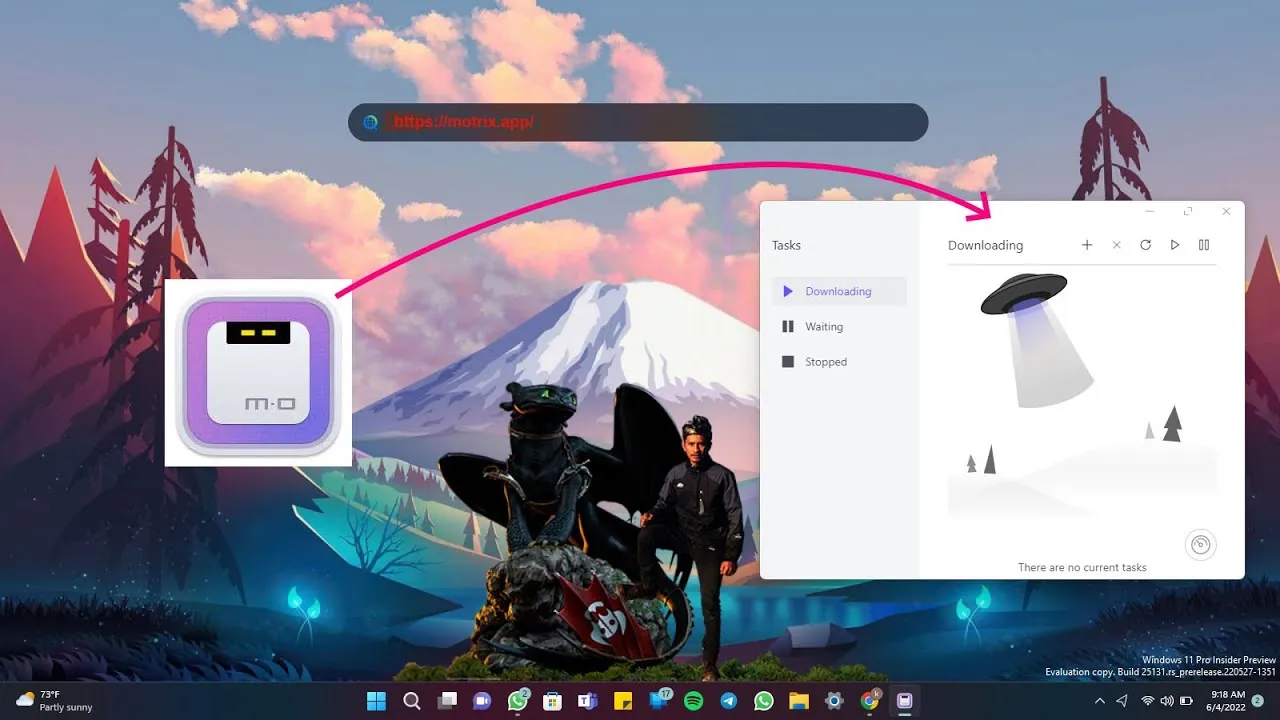
Motrix is a lightweight, open-source download manager built for people who want a clean interface without sacrificing protocol support. It is a solid pick for anyone juggling regular downloads and torrents on the same machine.
Key Features
-
Supports multiple protocols including HTTP, FTP, BitTorrent, and Magnet links
-
Uses multi-threaded downloading technology to speed up transfers, with pause and resume support for large files or unstable connections
-
Lets users set speed limits, schedules, and the number of concurrent downloads, all through a drag-and-drop interface
-
Runs on Windows, macOS, and Linux
-
A newer fork called Motrix Next rebuilds the app with a modern engine for better performance
Ratings
TrustPilot: 3.7/5 Sourceforge: 4.3/5
Pros and Cons
Pros
-
Fast, stable, and easy to use according to user reviews
-
Combines regular downloads and torrent downloading in a single app
-
Free and open source with active development
Cons
-
Can use noticeable system resources when downloading multiple files
-
Interface customization is more limited compared to heavier tools like JDownloader
Pricing
Motrix is completely free with no paid tiers.
How the Fileion Team Analyzed and Picked This Tool
We assessed Motrix on protocol versatility, resource efficiency, and how well it balances simplicity with genuine power-user features like scheduling and speed limits.
4. Persepolis Download Manager
Persepolis started life as a graphical front end for the aria2 download engine, but it has since grown into its own independent download manager. It is a favorite among Linux users, though it also runs on Windows and macOS.
Key Features
-
No longer depends on aria2 as of version 5.0, now running its own downloader engine that supports up to 64 simultaneous connections
-
Includes a Video Finder that automatically detects available formats and quality options when you paste a video URL
-
Supports clipboard monitoring, browser integration, download scheduling, and queue management
-
Ships as a standalone Linux bundle that runs without needing Python or aria2 installed separately
Ratings
Chrome Web Store: 4.5/5 Firefox Add-ons: 4.3/5
Pros and Cons
Pros
-
Configures its download engine automatically for maximum speed while offering an easy-to-use interface
-
Built-in video downloading from platforms like YouTube and Vimeo
-
Free, open source, and genuinely cross-platform
Cons
-
The Firefox extension does not automatically intercept every link, requiring manual capture at times
-
Feature set is still catching up after the recent engine rewrite
Pricing
Persepolis is completely free and open source, with no premium version.
How the Fileion Team Analyzed and Picked This Tool
We evaluated Persepolis on its transition away from aria2, its connection-per-file limits, and how well it serves Linux users specifically, since that is where it shines brightest.
5. AB Download Manager
AB Download Manager is one of the newer entries in this space, built entirely in Kotlin rather than relying on aria2 like most competitors. It has quickly built a following as a modern, actively maintained IDM alternative.
Key Features
-
Uses its own download engine supporting multi-segment downloading, plus browser integration and batch downloads with wildcard filtering
-
Ships native builds for Windows, macOS, and Linux, with Windows offering both an installer and a portable version
-
Automatically hands off browser download links to the desktop app through dedicated Chrome and Firefox extensions
-
Can pause, resume, and automatically retry failed downloads, with a default retry count of three attempts
-
Includes queues, schedulers, multiple themes, and multiplatform support extending to Android
Ratings
Uptodown: 4.6/5 Chrome Web Store: 4.6/5
Pros and Cons
Pros
-
Free and open source under the Apache 2.0 License
-
Actively developed with frequent updates
-
Clean setup process for browser integration
Cons
-
Some users have raised privacy concerns about the browser extension's permission requests and called for a security audit
-
Lacks built-in torrent support, unlike Motrix or FDM
Pricing
AB Download Manager is completely free with no paid version.
How the Fileion Team Analyzed and Picked This Tool
We looked at engine independence, cross-platform builds, and update frequency, along with community feedback on the browser extension's permissions and reliability.
Comparison Table
|
Software |
Best For |
Platform |
Price |
Fileion Rating |
|
JDownloader 2 |
Large link queues and file hosts |
Windows, macOS, Linux |
Free |
4.2/5 |
|
Free Download Manager |
All-around downloads plus torrents |
Windows, macOS, Linux, Android |
Free |
4.7/5 |
|
Motrix |
Multi-protocol downloads and torrents |
Windows, macOS, Linux |
Free |
4.3/5 |
|
Persepolis Download Manager |
Linux users and video downloads |
Linux, Windows, macOS |
Free |
4.1/5 |
|
AB Download Manager |
Modern IDM alternative |
Windows, macOS, Linux, Android |
Free |
4.4/5 |
Final Verdict
There is no single best download manager for everyone; it really comes down to what you download and how often. If you regularly pull files from file-hosting sites, JDownloader 2 is hard to beat thanks to its automation and host plugin support. If you want one tool that handles everything from regular downloads to torrents without any learning curve, Free Download Manager is the safest all-around choice.
Linux users will feel most at home with Persepolis, especially if video downloading matters to you. Motrix is a great middle ground if you want protocol flexibility in a lightweight package, and AB Download Manager is worth watching if you prefer something newer and actively maintained.
Try the one that matches your platform and download habits. All five are free, so there is no real risk in testing more than one.
FAQs
What is the best free download manager for large files?
JDownloader 2 and Free Download Manager both handle large files well, thanks to segmented downloading and resume support after interruptions.
Is Free Download Manager better than JDownloader 2?
FDM is easier to use for everyday downloads and torrents, while JDownloader 2 is stronger for file-hosting sites and bulk link processing. The better choice depends on your use case.
Which download manager works best on Linux?
Persepolis Download Manager is built with Linux users in mind, though Motrix, FDM, and AB Download Manager also run natively on Linux distributions.
Do I need a download manager if I already have a browser downloader?
A dedicated download manager speeds up large or multiple downloads significantly and adds resume support, which most browsers handle poorly.
What should I look for in a download manager?
Look for multi-segment downloading, resume support after interruptions, browser integration, and cross-platform availability if you use more than one operating system.


solazar tamala